

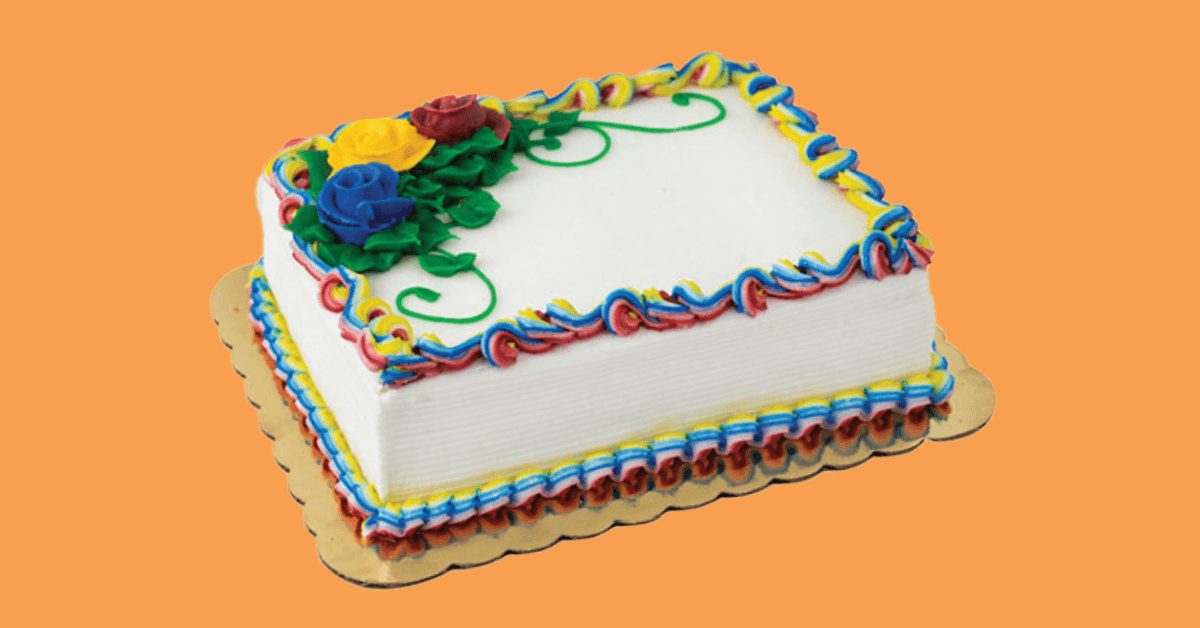
Cake Ordering FAQs
To place a custom cake order, please visit www.festfoods.com/custom-bakery and select your preferred store from the drop down to get started.
You will pay in-store at the register after you pick up your cake from the Bakery Department.
Select an Edible Image® by PhotoCake® Frame or select the “Bakery Designs” under Featured Cakes. On the Personalize with photo step, click “Click to Upload your Photo” or “Add Photo.” If you’re ordering on your mobile device, you can take a new photo or upload an existing photo right from your library.
Please contact the Bakery Department at the Festival Foods location you ordered your custom cake from. The Bakery Department team will be able to make changes to your order or cancel it.
You will be notified via email and/or text message when your custom cake is ready! To sign up for text messages, be sure to check the “I would like to receive a text message when my cake is ready for pick up” option when you submit your order.
Have more questions? Contact your Festival Foods store for more information.